


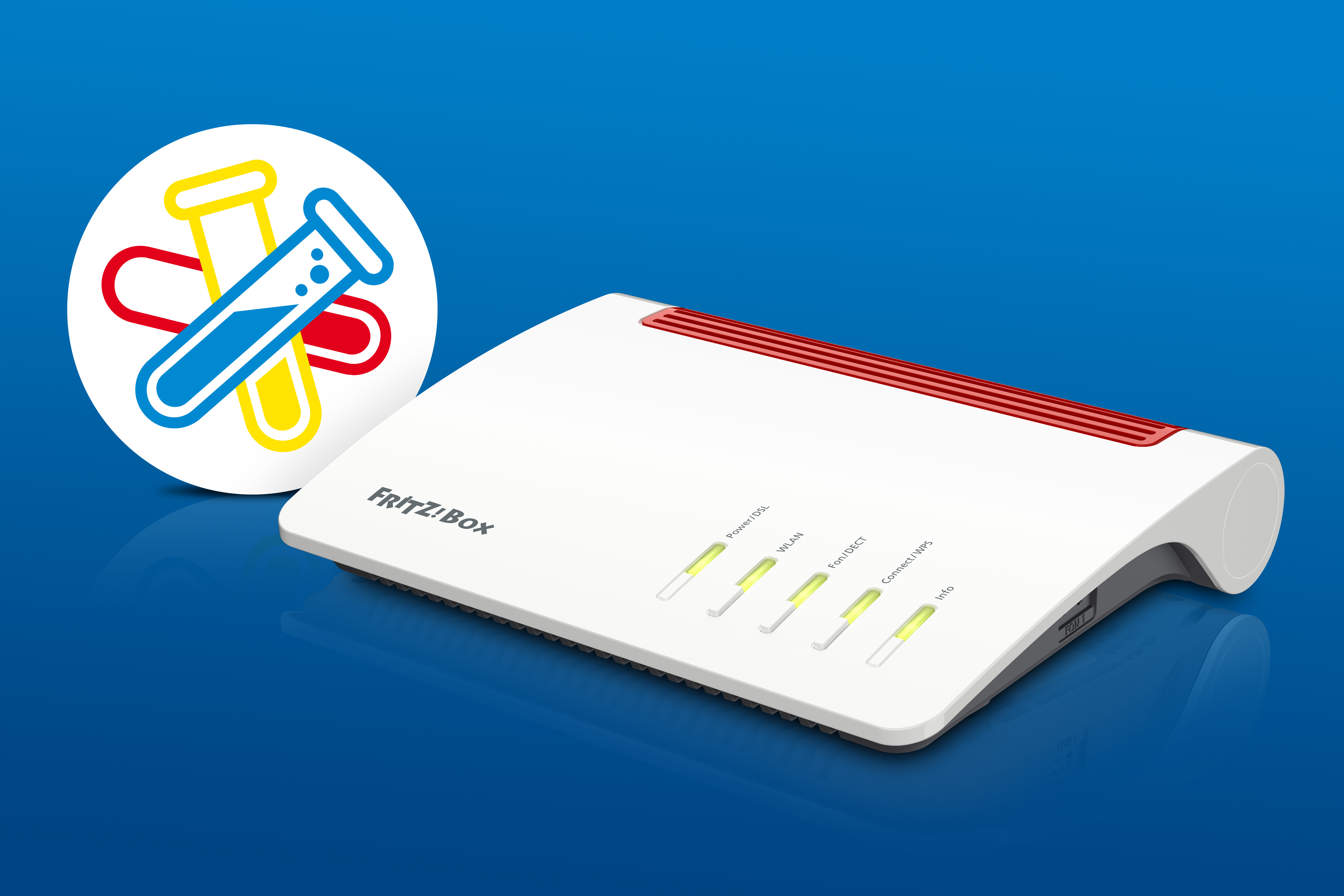
FRITZ! is launching a new FRITZ! Lab and inviting users to test the upcoming FRITZ!OS 8.50, which will provide the basis for new MyFRITZ!App functions. At the same time, this release will further optimize the security architecture of FRITZ! products, which is already the best in the industry. Switching to a new FRITZ!Box will also be easier, and there will be new features for parental controls, telephony, and smart home. The FRITZ! Lab gives users the opportunity to test new functions and improvements before their official launch and to give valuable feedback. The FRITZ! Lab is starting with the very popular FRITZ!Box 7590 AX, with which the new features will be tested in depth. Additional FRITZ!Box models will be included in the FRITZ! Lab in the coming months, and further optimizations will be made. For example, the Matter bridge function, which provides additional smart home options, will be added to the FRITZ!Box 5690 Pro in this FRITZ! Lab. Interested users can find a detailed list of all new features as well as instructions for installing the FRITZ! Lab at www.fritz.com/labor.
FRITZ!OS 8.50: Ready for the future – the new features in the FRITZ! Lab
(Last updated: 21 May 2026)
Convenience and user-friendliness
- Switching to a new FRITZ!Box made easier: The wizard that helps users transfer settings to a new FRITZ!Box has been optimized. Unused devices can now be removed before switching, and users receive helpful tips.
- Optimized communication with the MyFRITZ!App: Communication and notifications between the FRITZ!Box and MyFRITZ!App have been improved, laying the groundwork for future MyFRITZ!App enhancements. The app is designed to serve as the central, user-friendly starting point for configuring and controlling the home network. It analyses the home network and gives users recommendations on optimizing their settings.
- Local access to the FRITZ!Box: The FRITZ!Box user interface can now also be accessed via the address fritzbox.local, making access easier and avoiding many browser warnings.
- Parental controls: The parental controls event messages now also display information about the device that accessed a blocked IP address.
Telephony
- Simple telephony mode: With this new mode, the soft keys can also be used as quick-dial buttons, each of which can be assigned a phone number or a function.
- SOS emergency calls: The SOS call feature allows the configuration of up to four emergency contacts, who will be called automatically one after another in case of emergency. It is now also possible to specify and adjust the duration and repetition of the call sequence.
- Phone numbers in FRITZ!Box phone book entries can now also be retroactively moved and sorted in the FRITZ!Fon.
Security and protection
- Warning about potentially risky port sharing: When configuring port sharing, users will now be notified about ports that could pose a security risk.
Smart Home
- Overload switching for smart plugs. The FRITZ!Smart Energy 200 and 210 smart plugs can now be automatically turned off if a specified current limit is exceeded for a defined amount of time.
- Routines with multiple triggers: Starting with the next release, users will be able to configure an if-this-then-that statement with multiple triggers for routines, allowing the routine to be initiated by various smart home devices.